01
Sketch
Draw lines, arcs, circles, and splines with your finger or Apple Pencil. Start with the geometry your part needs.
 Arc3D
Get notified
PRECISION, WITHIN REACH COMING SOON
Sketch, constrain, and shape your next idea. Find your tools in the rail beside the canvas and keep refining your model through its editable history.
Explore what’s included freeTHE PARAMETRIC LOOP
Draw lines, arcs, circles, and splines with your finger or Apple Pencil. Start with the geometry your part needs.
Add dimensions and geometric constraints to define your design and keep related geometry working together.
Extrude, revolve, loft, and refine your solids. Move from a precise sketch to a part you can make.
Revisit a sketch or feature, adjust its parameters, and rebuild your model from that point forward.
Explore the timelineINCLUDED FREE
Keep creating local projects, bring in STEP files, and choose the STL quality your print needs. These tools are part of Arc3D’s free offering at launch.
Create as many local projects as you need. Save each idea and keep refining it.
Import STEP parts and export solid or surface geometry to keep working across CAD tools.
Use Draft, Standard, Fine, or custom tolerances. Set units and export one file or a file per body.
Sketch precisely. Dimensions, constraints, Trim, Offset, Mirror, and projected edges. Work from calibrated reference images.
Build and refine. Extrude, Revolve, Loft, Fillet, Chamfer, Shell, threads, and booleans.
Keep it editable. Feature history, rollback, named parameters, and formulas.
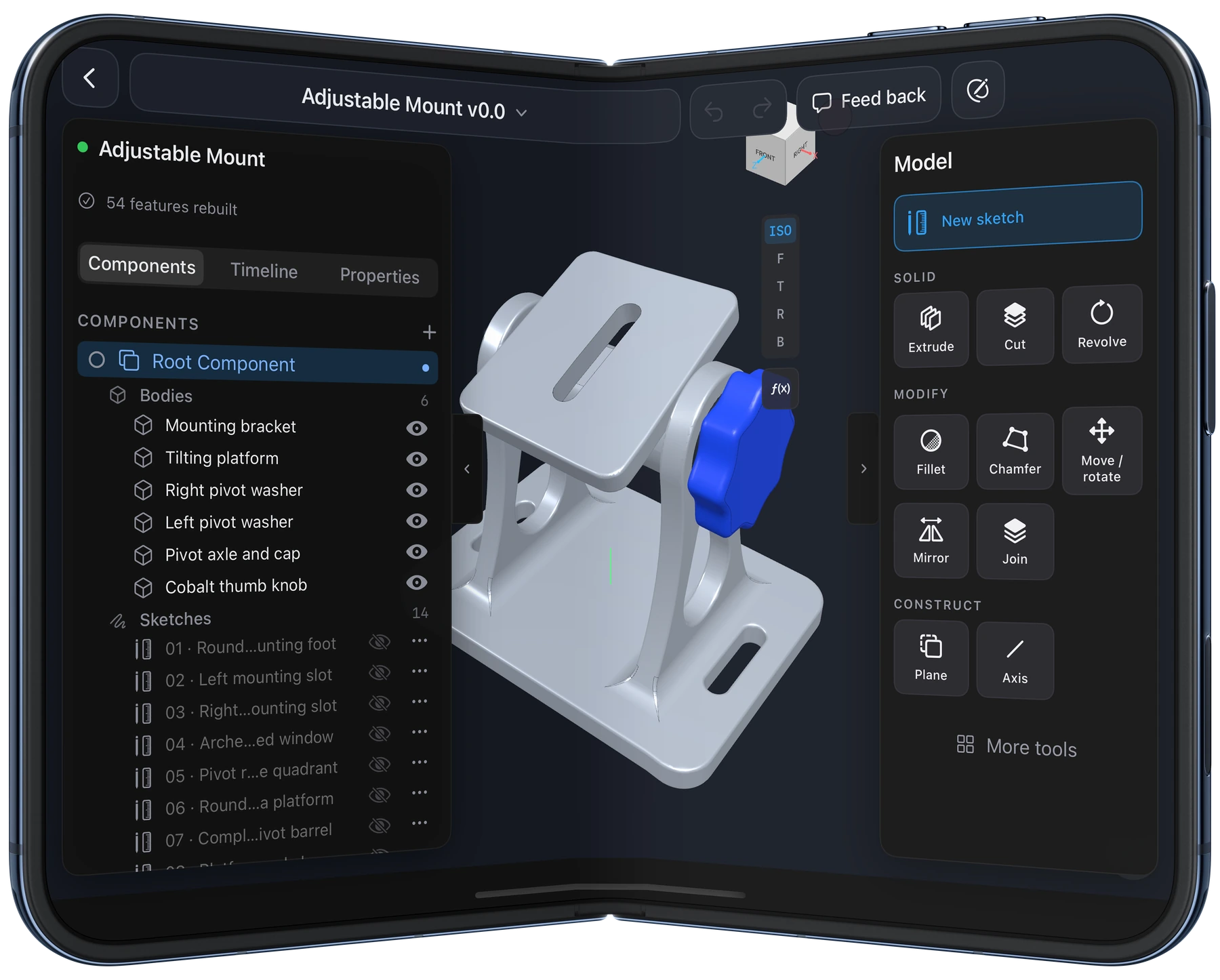
CAD THAT OPENS UP · IPHONE DUO
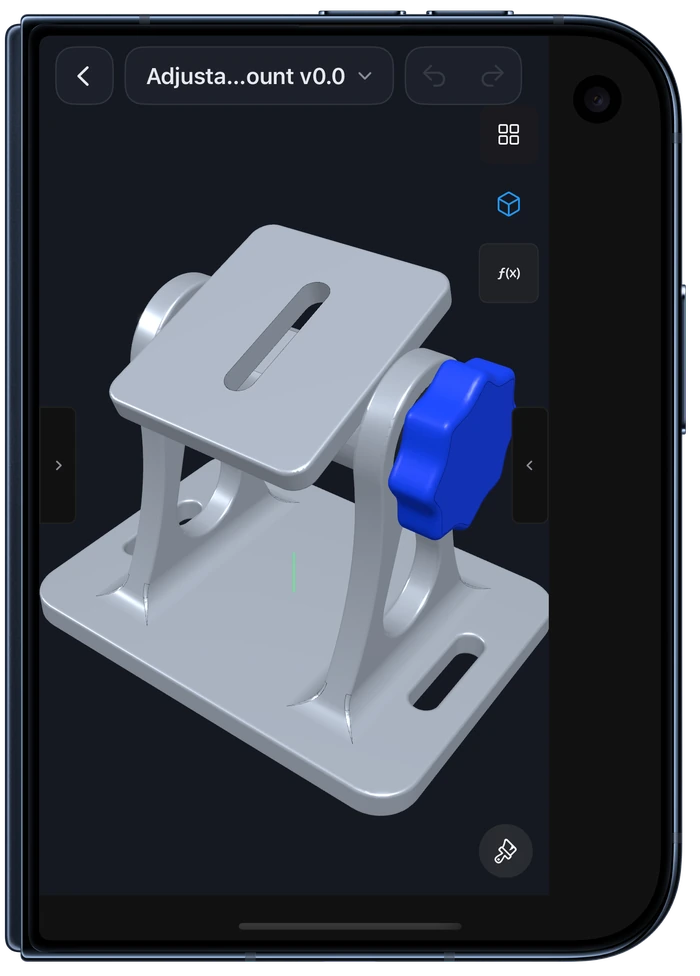
Open up a larger workspace for your model and its timeline. Keep working on the cover display when you fold it closed.
FEATURE TIMELINE
Your model remembers how it was made. Find a sketch or feature, change its parameters, and keep refining.

PARAMETERS PANEL
Give dimensions names and reuse them across sketches and features. In the Desktop Speaker, formulas use cabinet height to calculate where the woofer and tweeter sit.

MADE IN ARC3D
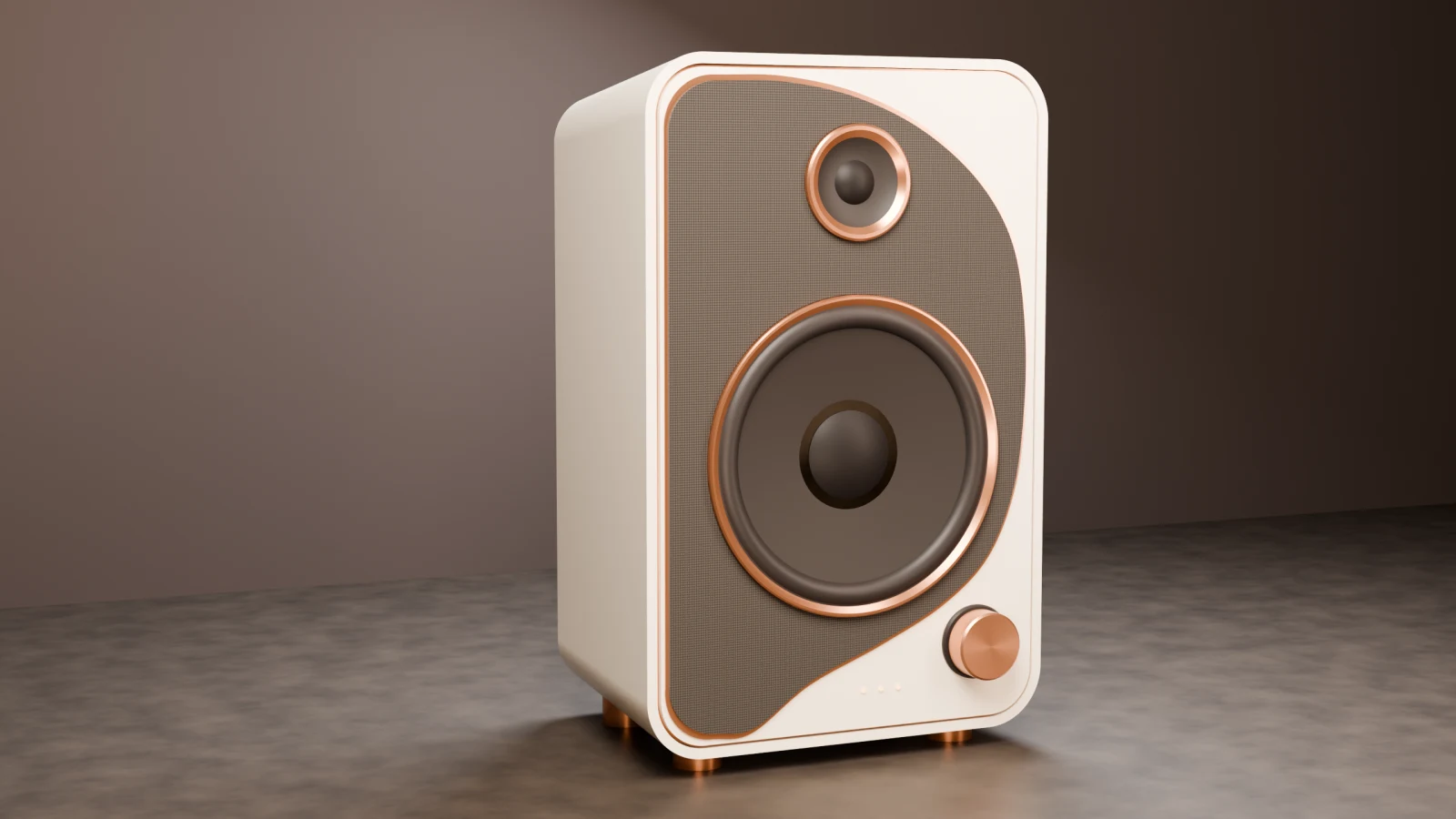
A tapered, hollow enclosure with a recessed baffle and revolved driver profiles.
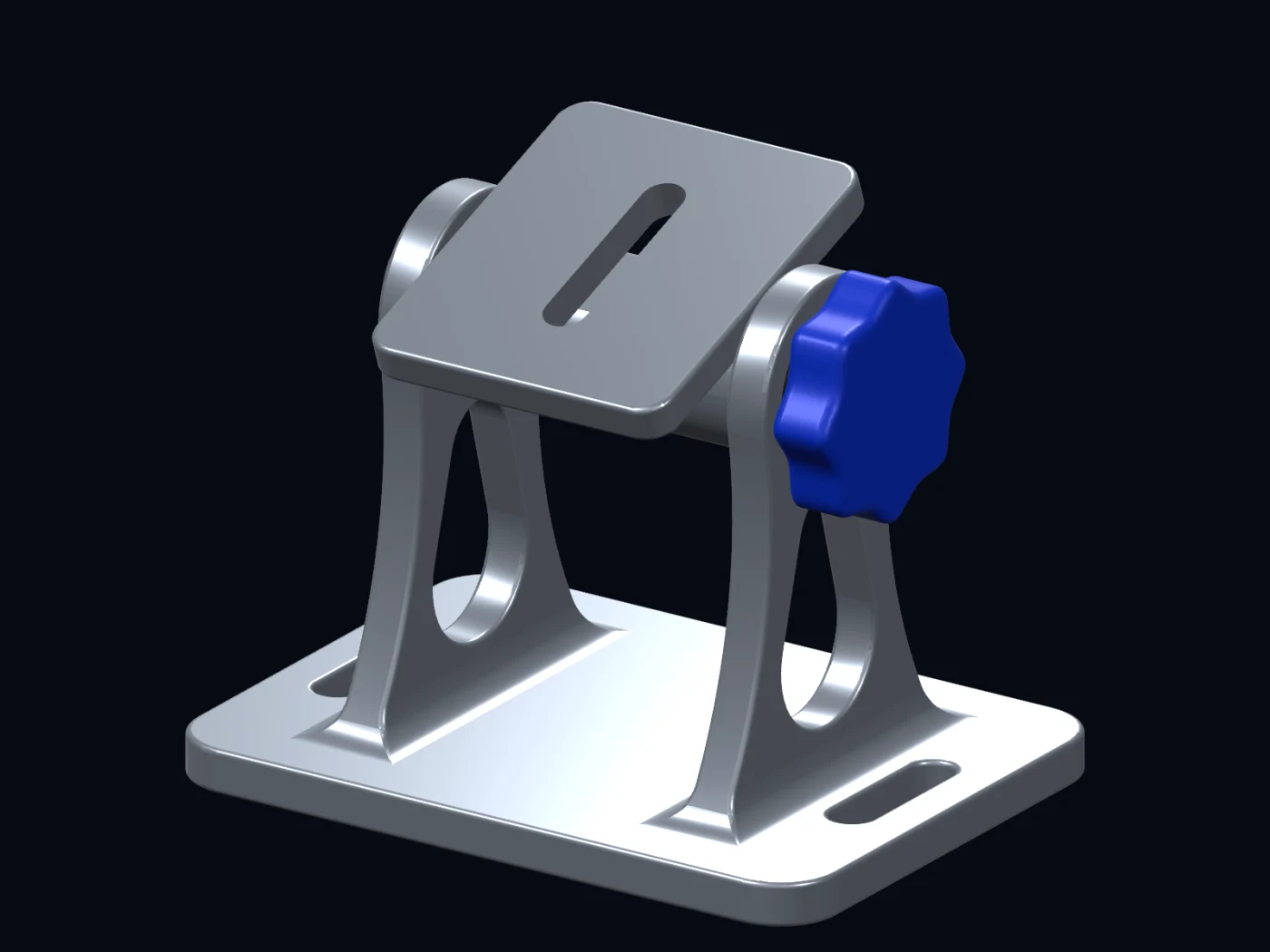
A slotted camera plate and a hand knob that locks the mount at the desired angle.
See the mount in Arc3DTAKE YOUR WORK FURTHER · INCLUDED FREE
Bring in geometry from other CAD tools, share your work, or prepare your next print.
Import STEP parts into your project. Export solid and surface geometry for your CAD workflow.
Export with Draft, Standard, Fine, or custom tolerances. Choose units, binary or ASCII, and one file or a file per body.
A FEW DETAILS
At launch, Arc3D’s free offering includes unlimited local projects, sketch and modeling tools, reference images, editable feature history, named parameters, STEP import and export, and STL export with Fine and custom quality settings. See what’s included free.
No. Accounts are optional. You can model, save local projects, and export without signing in.
Cloud sync is not available yet. Projects are stored on your device or in locations you choose through Apple’s file and sharing interfaces.
Import STEP parts and export STEP or STL. STL export includes Draft, Standard, Fine, and custom quality settings for your slicer and 3D printer.
Arc3D is coming to the App Store. The download link will appear here when it is available.
Visit Support to send a message or contact Dateit LLC.
BE THERE FROM THE START
Arc3D is coming to the App Store for iPad and iPhone Duo.
Get launch news and occasional product updates.
